

The USB full form is Universal Serial Bus, is a port type. A part is a Universal Serial Bus (USB) port. One of the most popular connectivity protocols for connecting electronics and transferring power and data. USB technology is used in a wide variety of devices, such as computers, laptops, smartphones, tablets, printers, cameras, keyboards and mice, external hard drives, pen drives and more. In the years that have passed, USB technology has evolved from simple USB connections to more rapidly evolving technologies such as USB 3.0, USB 3.2, and USB4. USB Type-C is also gaining in popularity as it facilitates data transfer, charging and other functions using a reversible connector. This guide tells you the meanings, full form, types, versions, uses, advantages of USB and difference between the USB connectors.
What is USB?
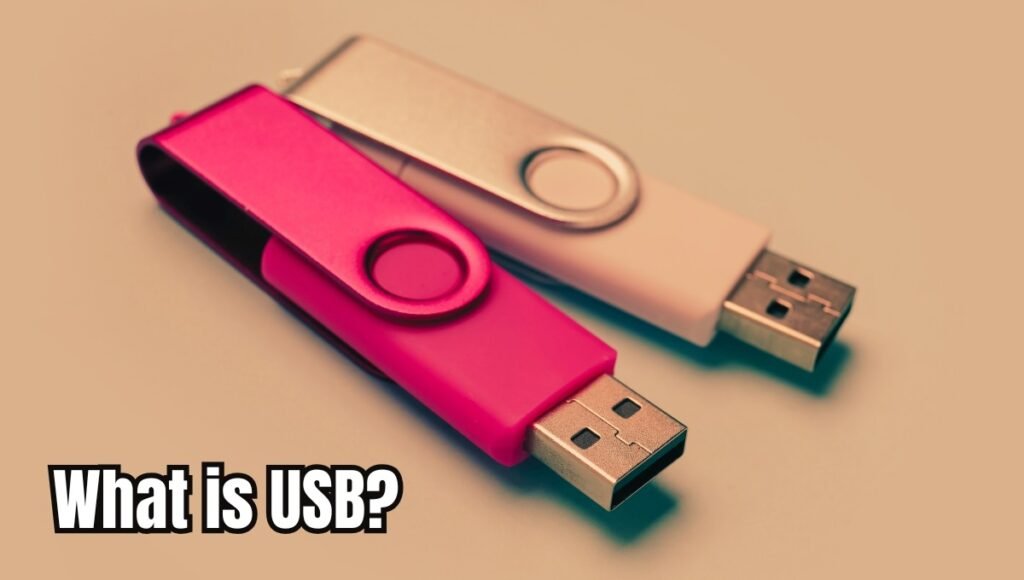
Universal Serial Bus is known as USB. It’s a common protocol for electronic device communication. For instance, you can plug a flash drive into a laptop via USB to transfer your files. Likewise, a mobile phone can charge its battery via USB or transfer information to another phone. With its ability to connect devices of various types and kinds with ease and convenience, USB has superseded many of the older connection technologies.
The full form and meaning of USB
| Term | Meaning |
| Universal | Designed to work with many types of electronic devices |
| Serial | Data is transmitted sequentially |
| Bus | Provides a communication pathway between connected devices |
Why is USB Used?
The popularity of USB is due to its simplicity of connecting devices, transferring data and power supply. It can be used to transfer files, charge smartphones, plug in keyboards and mice, printers, cameras, gaming controllers, audio devices, external storage drives as well as other accessories. USB also enables smartphones and other devices to connect to computers for data sharing and synchronization. It is widely compatible and therefore a handy connectivity standard for everyday electronic devices.
Types of USB
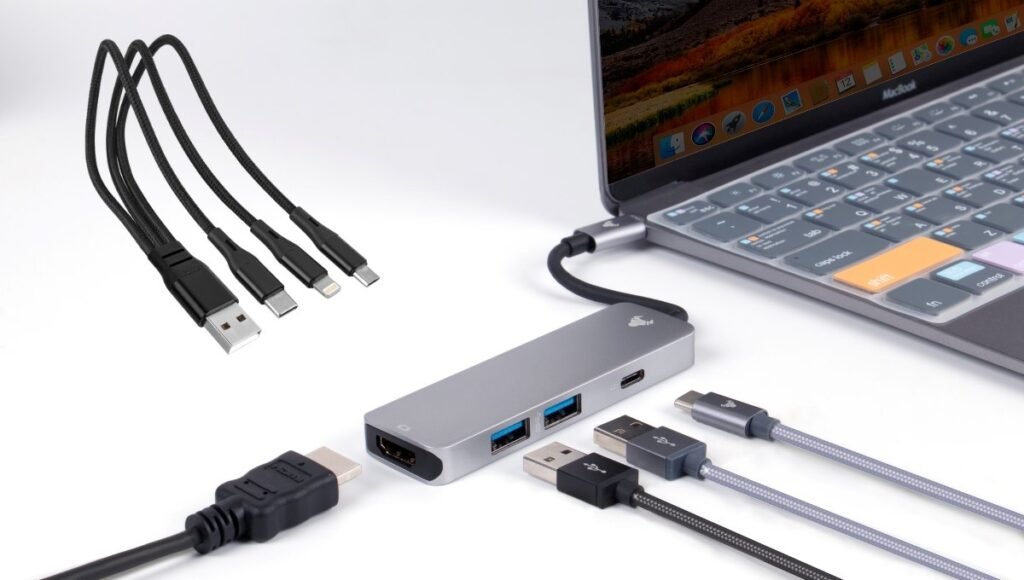
The USB connectors have undergone a lot of changes over the years. There are a number of connectors for various devices and uses.
| USB Type | Common Use | Key Feature |
| USB Type-A | Computers, chargers, TVs | Common rectangular connector |
| USB Type-B | Printers and older peripherals | Square-shaped design |
| Mini-USB | Older cameras and devices | Smaller than Type-A |
| Micro-USB | Older smartphones and accessories | Compact connector |
| USB Type-C | Smartphones, laptops and tablets | Reversible connector |
USB Versions
There have been many versions of USB. Newer versions tend to have greater data transfer capabilities and increased functionality.
| USB Version | General Feature |
| USB 1.0 | Early USB standard |
| USB 1.1 | Improved early USB implementation |
| USB 2.0 | Widely adopted and suitable for everyday data transfer |
| USB 3.0 | Much faster than USB 2.0 |
| USB 3.1 | Higher-speed USB generation |
| USB 3.2 | Further improvements in data-transfer capability |
| USB4 | Modern high-performance USB standard |
Types and Features of USB
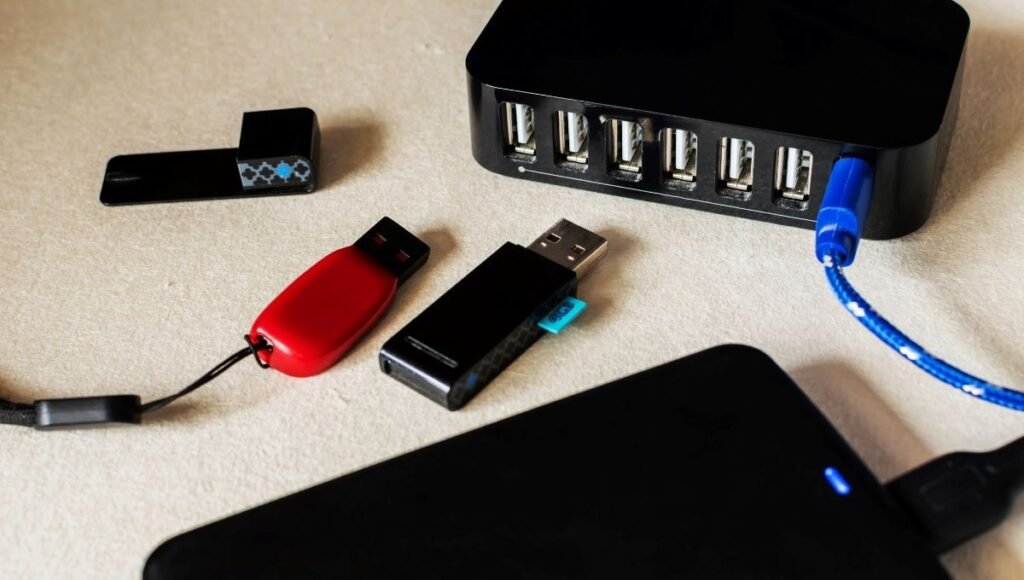
| USB Type/Feature | Main Use | Key Point |
| USB Type-A | Computers, pen drives, keyboards | Traditional rectangular connector |
| USB Type-B | Printers, scanners | Commonly used with larger peripherals |
| Micro-USB | Older phones, cameras, power banks | Small but not reversible |
| USB Type-C | Phones, laptops, tablets | Reversible and versatile |
| USB Data Transfer | Files, photos, videos, backups | Speed depends on USB version |
| USB Charging | Phones, tablets, laptops | Provides power to compatible devices |
| USB Power Delivery | Fast charging and power supply | Supports negotiated power levels |
USB vs USB Type-C
There’s a difference between USB and USB Type-C:
| Parameter | USB | USB Type-C |
| Meaning | Universal Serial Bus | Type of USB connector |
| Refers To | Connectivity standard | Physical connector |
| Data Transfer | Depends on USB version | Depends on supported USB standard |
| Charging | Supported | Widely used for modern charging |
| Reversible | Depends on connector | Yes |
| Common Devices | Computers and peripherals | Smartphones, laptops, tablets |
Advantages and Limitations of USB
Advantages of USB
- Simple to use: USB devices typically have simple set-up procedures.
- Rather widespread compatibility: USB can be used with computers, phones, printers, storage devices and many other electronics.
- Data transfer: It allows users to transfer files between compatible devices.
- Power delivery: USB charging and operation of supported devices.
- Different versions of USB: Provide different data transfer speeds and features.
Limitations of USB
- Version mismatch: When comparing versions of USB—the speed and features can differ.
- USB-C variation: Not all USB-C ports offer the same charging, display or data capabilities.
- Cable quality and specifications directly influence charging and transfer performance.
- Older USB connectors: Older versions can be slower and deliver less power.
- Compatibility: Devices, ports, and cables must be compatible for maximum performance.
Uses of USB
| Device | Common USB Use |
| Smartphone | Charging and data transfer |
| Laptop | Accessories, charging and data |
| Desktop PC | Peripherals and storage |
| Pen Drive | File storage and transfer |
| External SSD | High-speed data storage |
| Keyboard | Input connection |
| Mouse | Input connection |
| Printer | Data communication |
| Camera | Data transfer and charging |
| Power Bank | Charging and power output |
Conclusion
The USB full form is Universal Serial Bus, which is a very popular technology for connecting electronic devices, transferring data and for providing power. The technology has come a long way since the dawn of USB Type-A and Micro-USB connectors to today’s more modern USB Type-C connectors.
Today, computers, smart phones, storage devices, printers, cameras, gaming devices and so many other electronics have become completely dependent on USB. The users should be aware of the following factors while selecting a USB cable or device: type of the connector, type of USB version supported by device or cable, data transfer speed, ability of charging and power requirement. Knowing these differences makes choosing the right USB connection for your device and usage much easier.
FAQs
A1. The full form of USB is Universal Serial Bus.
A2. USB primarily transfers data, charges batteries, and connects electronic devices.
A3. The USB Type C connector is a normal USB connector that is often found on modern smartphones, tablets, laptops and other devices, and is designed to be inserted into the connector in either direction.
A4. Not necessarily. USB-C designates the physical shape, while the USB standard that the device and cable support determines the speed.
A5. Modern standards like USB 3.x and USB 4 can deliver significantly increased data transferring speeds when compared with the older USB standards, if the devices and cable can support it.
Also Read: Uizard AI Review: Features, Pricing, and Is It Still Worth It in 2026?

[…] Also Read: What is USB Full Form? Meaning, Types, Uses, Features and Versions […]