

Google Block Breaker is a straightforward and fun arcade game, which is a contemporary version of the classic brick-breaking game. It’s available via Google Search and is meant for those who do not desire to download any software. There’s not much to the concept: control a paddle, keep the ball in play and break as many blocks as possible. The game has simple controls, colorful graphics, and is fast-paced. At the simplest level it appears an easy task, but as the levels increase, there is a need for good timing, concentration and quick reactions. Google Block Breaker is an interesting choice for Google’s casual browser games, adding a game that can be played as a quick break. This article will provide complete information about Google Block Breaker.
What Is Google Block Breaker?
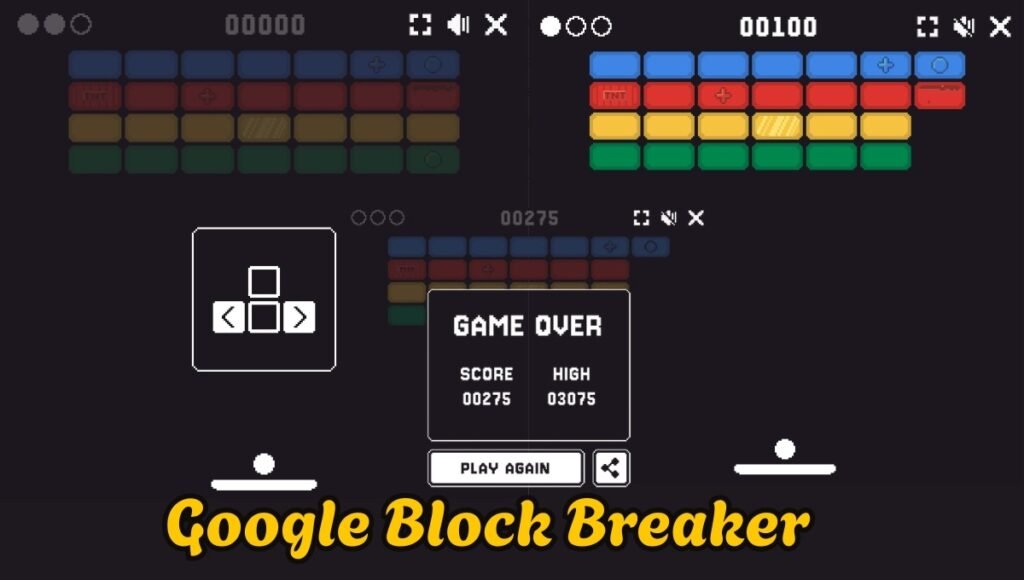
Google Block Breaker is a Web-based brick breaker-style arcade game. A ball bounces around the game area with players controlling a paddle close to the bottom of the screen. The aim is to try and prevent the ball from dropping and ensure it bounces up on the blocks above.
As long as the ball strikes a block, the block is out and the player moves closer to the game area. The more players play, the more difficult the game becomes as they have to be quick to respond to movements of the ball.
The game is inspired by the Breakout video game. Google’s version is, however, a fresh and colorful rendition of the traditional “concept”, which fits well into the Google search experience.
How to Play Google Block Breaker Step Wise
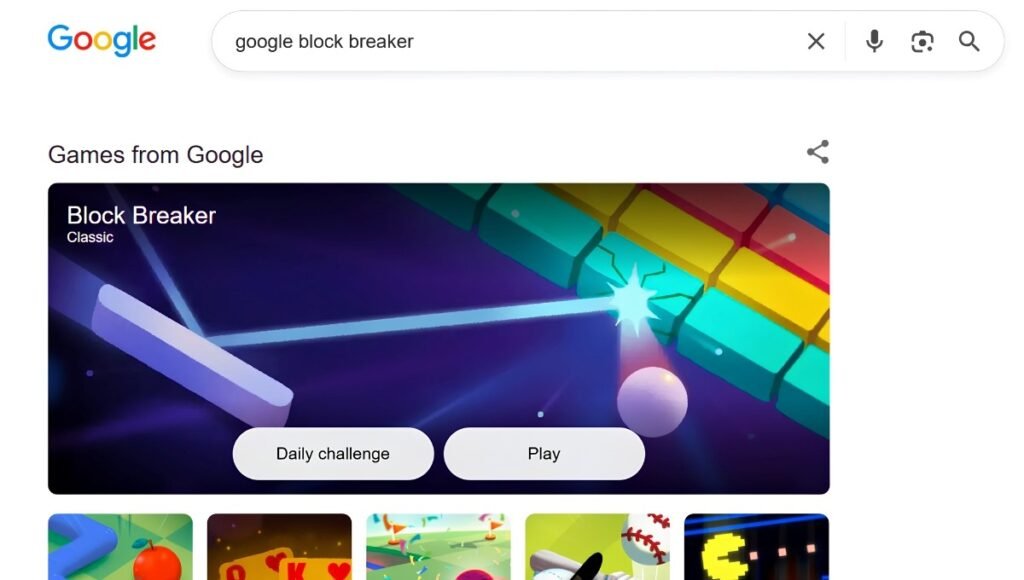
- Step 1: Open Google. On your smartphone, tablet, laptop or computer, go to Google search. Please ensure that you have a reliable Internet connection.
- Step 2: Search Block Breaker. Copy and paste “Google Block Breaker” or “Block Breaker” into the Google search box and do a search.
- Step 3: Begin the Game. In the search, find the interactive Block Breaker game. Click or tap the Play button to play.
- Step 4: Control the Paddle. Use the paddle to bounce the ball up and down to prevent it falling down. Use controls on the computer (or touch controls on a mobile device).
- Step 5: Break the Blocks. Maintain the ball in play and use the ball to hit and break as many blocks as possible. Play on to remove the blocks and raise your score!
Google Block Breaker Controls
The controls are dependent upon the equipment in use. Generally, players can control the horizontal movement of the paddle through the keyboard on a computer. The touch-based controls enable the paddle to be moved by a finger on smartphones and tablets.
| Device | Control Method | Main Action |
| Desktop | Keyboard | Move paddle left and right |
| Laptop | Keyboard | Control horizontal movement |
| Smartphone | Touchscreen | Move paddle with touch |
| Tablet | Touchscreen | Control paddle movement |
| Google App | Touch controls | Keep the ball in play |
They have kept the buttons to a minimum, as they believe the real difficulty is timing and not too many buttons.
Google Block Breaker Gameplay
The ball, the paddle and blocks are the three most important elements of the game. The ball is in constant motion on the field. The paddle is controlled by the player and is used to redirect the ball.
The player is advancing when the ball collides with a block. The player should be aware of the ball and guess at the place where it will land at the bottom of the screen.
The challenge may be increased during the game by changing the speed and the layout. This provides a balance of low complexity control and more challenging action.
This game is ideal for short sessions because it’s possible to begin playing it in a matter of minutes without much time into rules learning.
Google Block Breaker Features
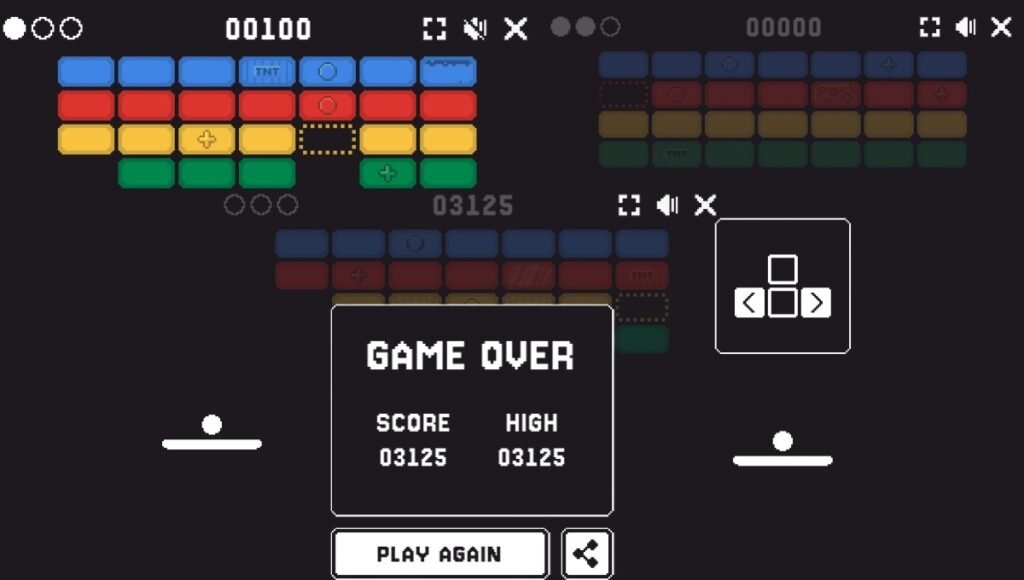
The ability to make the game so easy is one of the best things about Google Block Breaker. The game doesn’t need much explanation and no complex mechanics. Users will be able to grasp the concept within a few seconds.
| Feature | Description |
| Browser gameplay | Can be played through a web-based Google experience |
| Simple controls | Requires basic paddle movement |
| Arcade design | Inspired by traditional brick-breaking games |
| Colorful blocks | Uses bright and recognizable visual elements |
| Quick gameplay | Suitable for short gaming sessions |
| Beginner-friendly | Easy to understand |
| Skill-based | Requires timing and concentration |
| Mobile-friendly | Designed to work with touch interaction on supported devices |
The game’s characteristics render it attractive to the player looking for a casual experience instead of a multiplayer or storyline game.
Google Block Breaker on Mobile
The game can be played via compatible Google Search experiences on mobile. The convenience of the touch panel interface is that the ball’s paddle can be controlled directly by fingers. Google Block Breaker can also be of service for brief games when playing on a smartphone. Users can enjoy playing without downloading a hefty game application. But, the experience can differ with the browser, device and version of Google Search. If the interactive game doesn’t show up, users may need to update their browser or Google app and search again.
Play Google’s “Block Breaker” on your computer
On desktop or laptop, if the interactive game is available, Google Block Breaker can be played on the devices. The larger screen ensures that the ball, paddle and blocks are visible. Precise movement can also be provided through keyboard controls, which may be beneficial when the ball is moving at a high speed. If players desire to enhance their score, they can be more focused on large screen. Stable browser and software updates can help with some smoother experience!
Tips to improve Google Block Breaker Game
Google Block Breaker is easy to play, but it will take practice to master it. One of the most crucial skills is the ability to anticipate the ball’s movement. Don’t just catch the ball when it comes to your level, observe where it is going as it bounces around the screen. This will allow for better positioning of the paddle. One of the other great tips is to minimize the movement of the paddle. It’s easy for beginners to keep paddling all the time, but if they paddle in a controlled way, they can attain greater accuracy.
- Beware of the Ball!. The ball is the most important thing to consider at all times. Monitor where it’s going and how fast it’s moving, so you can ready your paddle in advance if it’s descending.
- Predict Instead of React. Advanced players make an educated guess on where the ball is going to land. This is better than doing it at the last minute.
- Need to keep close to the predicted touchdown. Set up a paddle where the ball will land. This will decrease the number of steps to take.
- Practice Regularly. The more one practices, the better one gets. The more you play the easier you will find it to get a grasp of the movement of the ball.
- Avoid Unnecessary Movement. Too much movement of the paddle can make it difficult to control the ball. Frequently, smaller and more precise movements are better.
Why Is Google Block Breaker Popular?
The popularity of Google Block Breaker is attributed to its easy use. Many browser based games will ask the player to go to another site, sign in with an account or download software. A Google Search game can provide a much quicker experience.
The idea also isn’t new for those who have experience in classic arcade games. The game is easy to approach as it has a flavor of the past but can still be played in a straightforward manner.
The other is that the game doesn’t require a lot of time. A person can participate for several minutes and then go back to their normal course of activity.
Google Block Breaker vs Traditional Brick Breaker Games
Google Block Breaker shares the basic premise of brick breaking games, but it is tailored to today’s Web users.
| Aspect | Google Block Breaker | Traditional Brick Breaker |
| Access | Google Search or supported web experience | Usually dedicated game |
| Installation | Generally not required | May require installation |
| Controls | Simple keyboard or touch controls | Depends on the game |
| Gameplay | Casual and quick | Can range from casual to advanced |
| Design | Modern Google-style visuals | Varies by title |
| Accessibility | Easy to start | Depends on platform |
Is Google Block Breaker Free?
Google Block Breaker is a Free to Play Search Experience! Generally users do not require to buy an extra game to enjoy base game play.
But it may be subject to Google’s “Search features” that are currently in use, location, device and platform. Users may not have access to the interactive version of the game at that time, if it does not show up for that particular search.
Does Google Block Breaker need an application?
One of the largest features of the Google Block Breaker is the fact that the game can be played while a person is operating a web based Google experience instead of a conventional gaming program. This makes it convenient for those who do not wish to make an effort to install yet another app to enjoy a small arcade game.
Google Block Breaker Score and High-Score Strategy
Players should work toward stretching their play time in an effort to improve their score, while also being able to efficiently break blocks. Players should think about the overall motion of the ball rather than just the motion in individual blocks. A good strategy is to remain patient. Attempts to make quick movements may lead to errors. It’s easier to carry on the round if the paddle is running parallel to the desired direction of play.
You can also use repeated play to get to know how the ball moves after colliding with various objects. This can help enhance reaction time and accuracy over time.
Common problems with Google Block Breaker
- Users might be looking for Google Block Breaker and not find the game. This does not necessarily mean that the search query is incorrect.
- These are possibilities like compatibility in devices, Google search updates, browser versions, or if they are not accessible in your region.
- Users may try to refresh the page, update the browser, or search again or use another device that supports the search.
- If a page doesn’t load properly, you can clear temporary browser data, which may not be required.
Google Block Breaker for Casual Gamers
It’s particularly well suited for the gamers who prefer a less complicated and shorter game. Does not need lots of tutorials, complex controls or game knowledge.
It’s a great way for students, office workers and internet users to enjoy some fast action when time permits. It’s also extremely easy to play, making it convenient for those who don’t often play video games.
Conclusion
Google Block Breaker is a straightforward game from the arcade type which plays the traditional brick breaking game along with the convenience of Google Search. It’s also simple to use, visually appealing, and quick to play, making it a great option for those seeking casual entertainment. Players need not know the intricate mechanics of the game. The main challenge is keeping the ball in play while breaking as many blocks as possible. Players can hone their timing, reflexivity, gains etc. with practice.
If you’re on the lookout for a game for the browser, and you can actually go interactively, Google Block Breaker is worth a try if you’re looking for an interactive game. It’s accessible and has arcade appeal, making it easy to play by both newer gamers and those who like more retro-style games.
FAQs
A1. Yes. The Search-based game is intended to be a free casual gaming experience, and doesn’t typically require users to buy a separate game.
A2. The game may be offered via Google’s web or applications experiences on suitable mobile devices. The paddle can be moved using the touch controls.
A3. Yes, if the interactive game is available in desktop Search. The paddle can be moved by using keyboard controls.
A4. Yes. It is simple to break blocks like Breakout.The basic game play is based on the traditional brick breaking style found in Breakout etc.
Also Read: Alogum Review (2026): Features, How to Login, Benefits and Online Services